Single Product
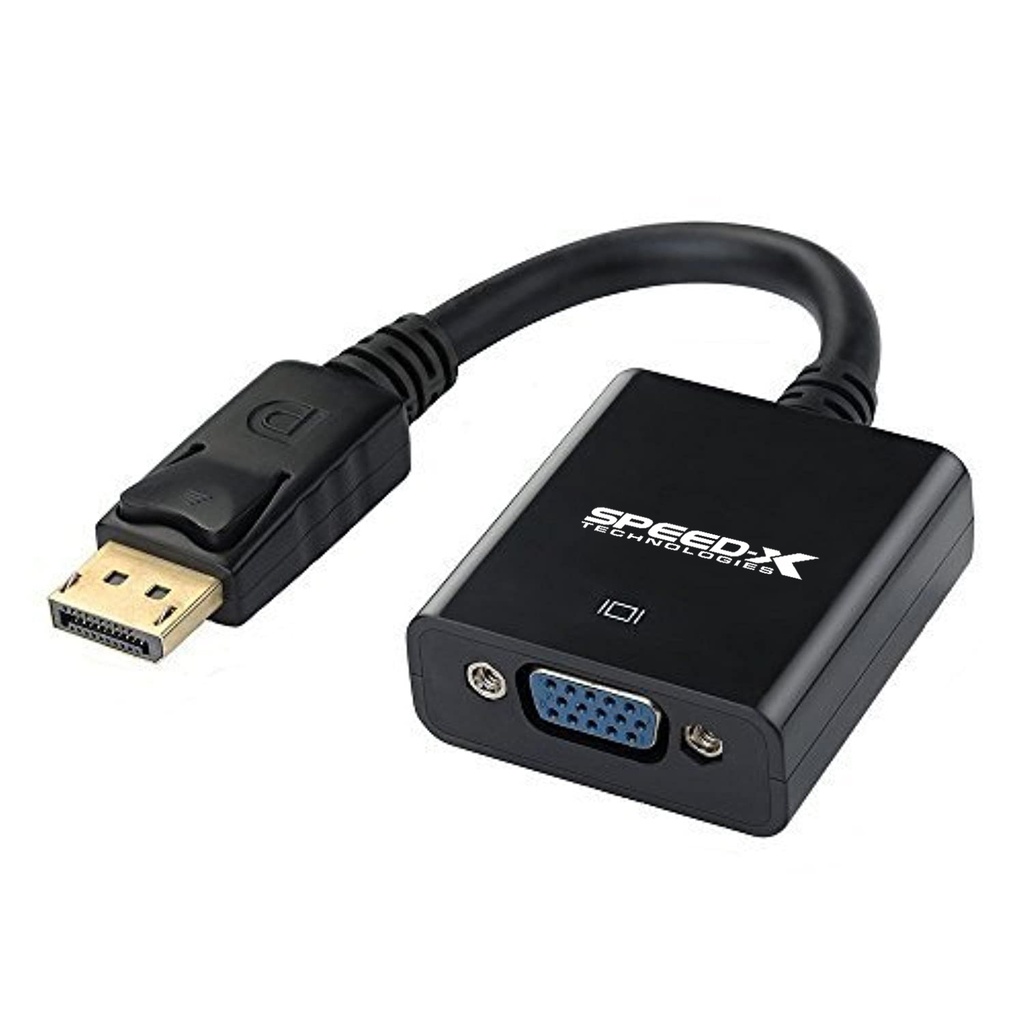
D Port to VGA converter
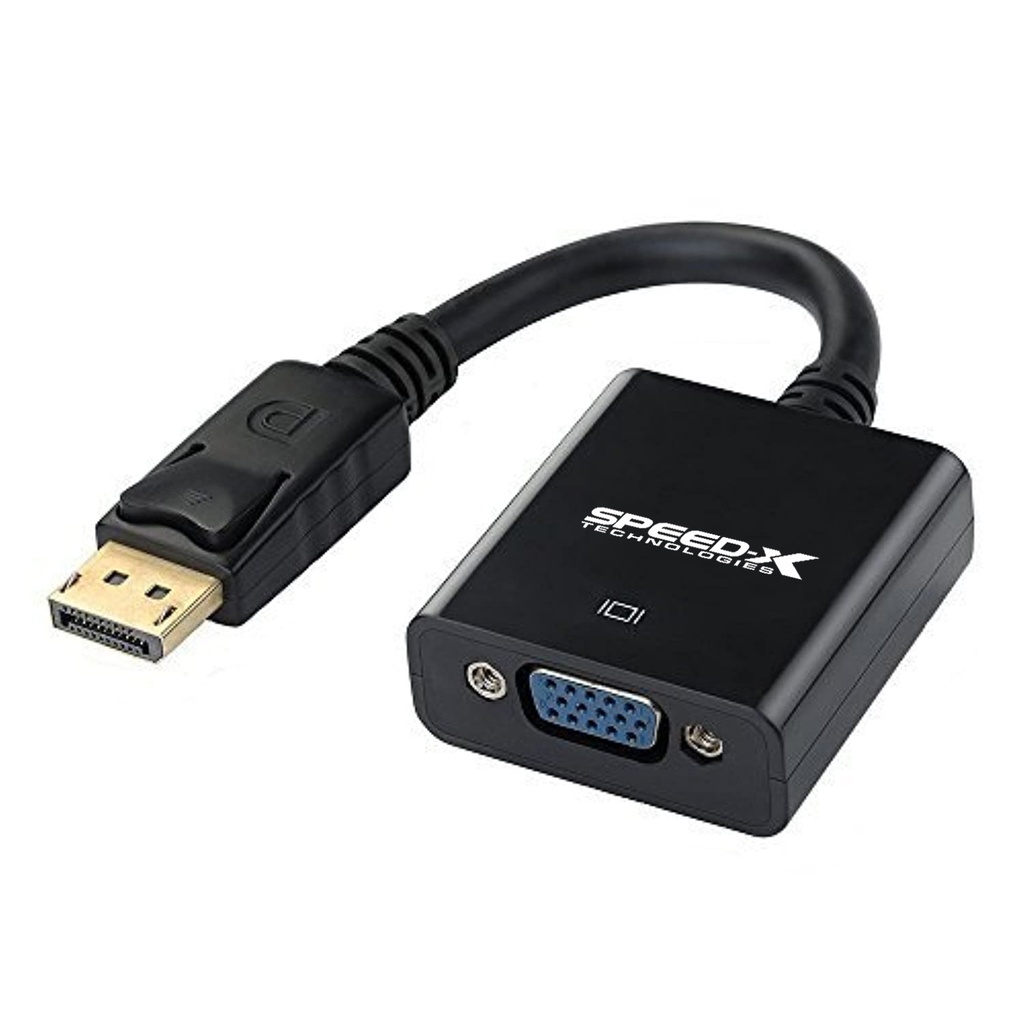
D PORT TO VGA CONVERTER
DisplayPort to VGA | Full HD & 2K Support | Plug & Play Adapter
📱 Product Overview
The DisplayPort to VGA Converter allows you to connect a DisplayPort-enabled computer or graphics card (such as GTX series GPUs) to a VGA monitor, projector, or display.
This converter eliminates the need to upgrade older VGA-based displays and delivers reliable, high-quality video output in a compact and durable form factor.
🔹 Key Features
🔹 DisplayPort to VGA Conversion — Connect DP source to VGA display
🎥 High-Quality Video Output
🖥 Supports Full HD up to 2K Resolution
🔩 Durable & High-Quality Build
🔌 Plug & Play — No drivers or external power required
💼 Compact & Portable Design
🧠 Specifications
📊 General
| Feature | Details |
|---|---|
| Product Type | DisplayPort to VGA Converter |
| Signal Direction | DisplayPort → VGA |
| Conversion Type | Digital to Analog |
| Installation | Plug & Play |
🔌 Connectivity
| Feature | Details |
|---|---|
| Input | DisplayPort (DP) |
| Output | VGA |
| Connector Type | DP Male to VGA Female |
🎥 Video
| Feature | Details |
|---|---|
| Supported Resolution | 1080p up to 2K |
| Video Output | High-Definition Analog Video |
| Audio Support | Not Supported (VGA Video Only) |
🛠 How to Use
- 1️⃣ Connect the DisplayPort end to your computer or graphics card
- 2️⃣ Connect a VGA cable from the converter to your monitor or projector
- 3️⃣ Power on both devices
- 4️⃣ Select VGA input on your display
- 5️⃣ Enjoy instant video output — no setup or drivers required
📦 What’s in the Box
✔ 1 × DisplayPort to VGA Converter
🛒 Why to Buy This
✅ Use VGA Displays with Modern DisplayPort Devices
🖥 Supports Full HD & 2K Resolution
🔌 No Need to Replace Older Monitors or Projectors
⚡ Easy Plug & Play Operation
💼 Ideal for Office, Education & Presentation Use