Single Product
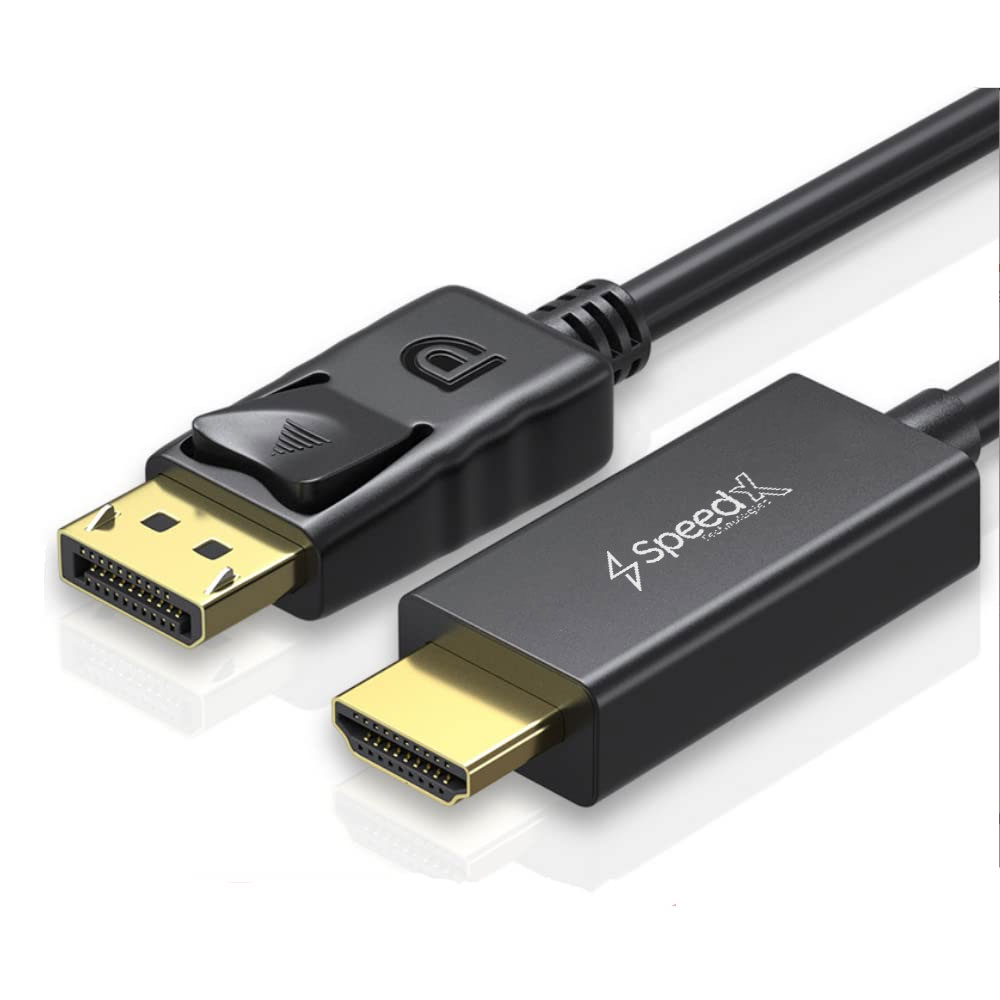
D PORT TO HDMI CABLE 1.8M
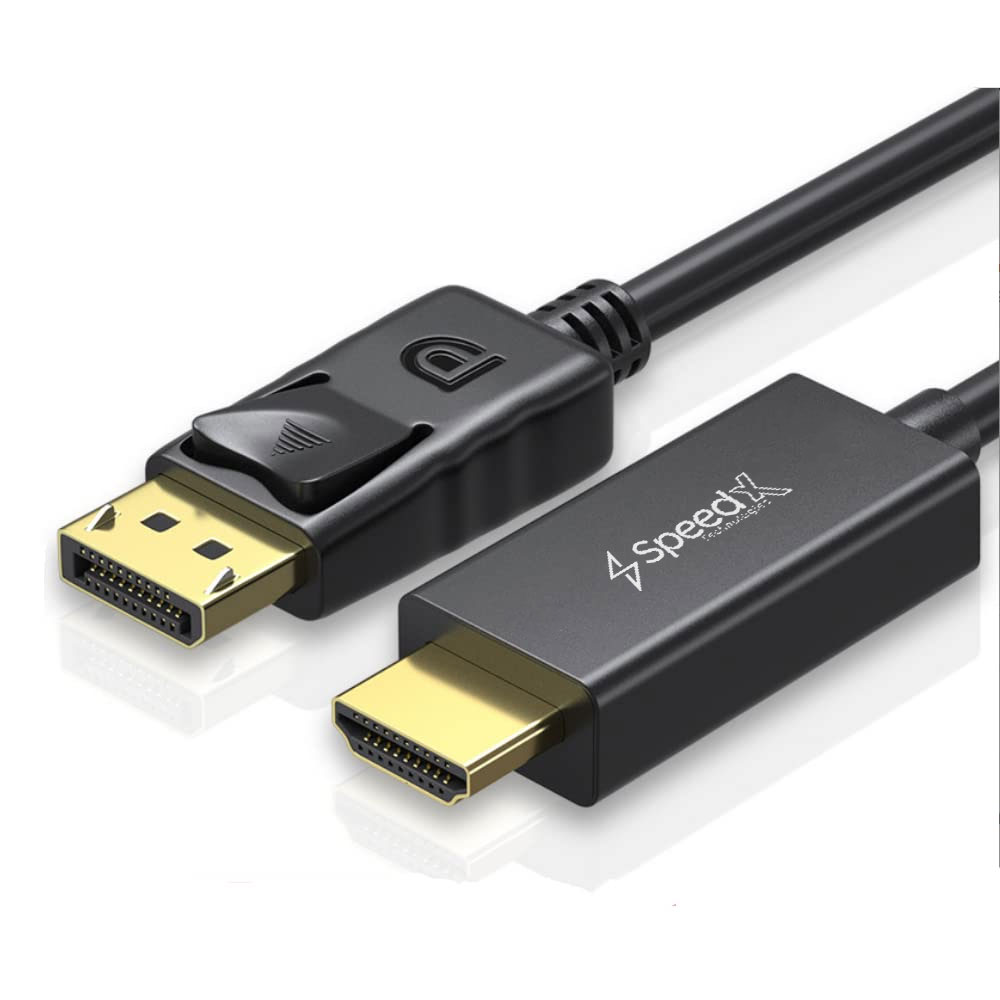
D PORT TO HDMI CABLE 1.8M
DisplayPort to HDMI | 4K Support | Audio + Video | 1.8 Meter Cable
📱 Product Overview
The DisplayPort to HDMI Cable (1.8M) allows you to connect devices with a DisplayPort output (such as laptops or desktop computers) to displays with an HDMI input, including monitors, TVs, and projectors.
Based on DisplayPort 1.2, this cable supports high-resolution video up to 3840 × 2160 (4K) at 60Hz and carries multichannel digital audio. DisplayPort connectors feature a lockable 20-pin design for a secure and stable connection.
⚠️ Do not confuse DisplayPort with Mini DisplayPort.
🔹 Key Features
🔹 DisplayPort to HDMI Connectivity — Direct connection without adapters
🎥 High-Resolution Video Support — Up to 4K (3840 × 2160) @ 60Hz
🔊 Audio & Video Transmission — Supports multichannel digital audio
🔐 Lockable DisplayPort Connector — Stable and secure connection
🧩 Wide Compatibility — Works with laptops, desktops, monitors, TVs & projectors
⚫ Durable Black Cable — Suitable for home, office, or professional use
🧠 Specifications
📊 General
| Feature | Details |
|---|---|
| Product Type | DisplayPort to HDMI Cable |
| Cable Length | 1.8 Meter |
| Color | Black |
| DisplayPort Version | 1.2 |
| Signal Direction | DisplayPort → HDMI |
🎥 Video & Audio
| Feature | Details |
|---|---|
| Maximum Resolution | 3840 × 2160 (4K) @ 60Hz |
| 3D Video Support | Yes |
| Audio Support | Yes (Multichannel Digital Audio) |
🔌 Connectivity
| Feature | Details |
|---|---|
| Connector A | DisplayPort Male (20-Pin, Lockable) |
| Connector B | HDMI Male |
| Connector Type | Male to Male |
🛠 How to Use
- 1️⃣ Plug the DisplayPort male connector into your laptop or desktop
- 2️⃣ Connect the HDMI male connector to your monitor, TV, or projector
- 3️⃣ Ensure the DisplayPort connector locks securely in place
- 4️⃣ Select the desired display mode (Mirror or Extend) from system settings
- 5️⃣ To unplug, press the release latch on the DisplayPort connector
📦 What’s in the Box
✔ 1 × DisplayPort to HDMI Cable (1.8M)
🛒 Why to Buy This
✅ Supports 4K Ultra HD Video
🔊 Audio + Video in One Cable
🔐 Secure Locking DisplayPort Design
🖥 Ideal for Workstations, Presentations & Home Entertainment
🧩 No Additional Adapter Required