Single Product
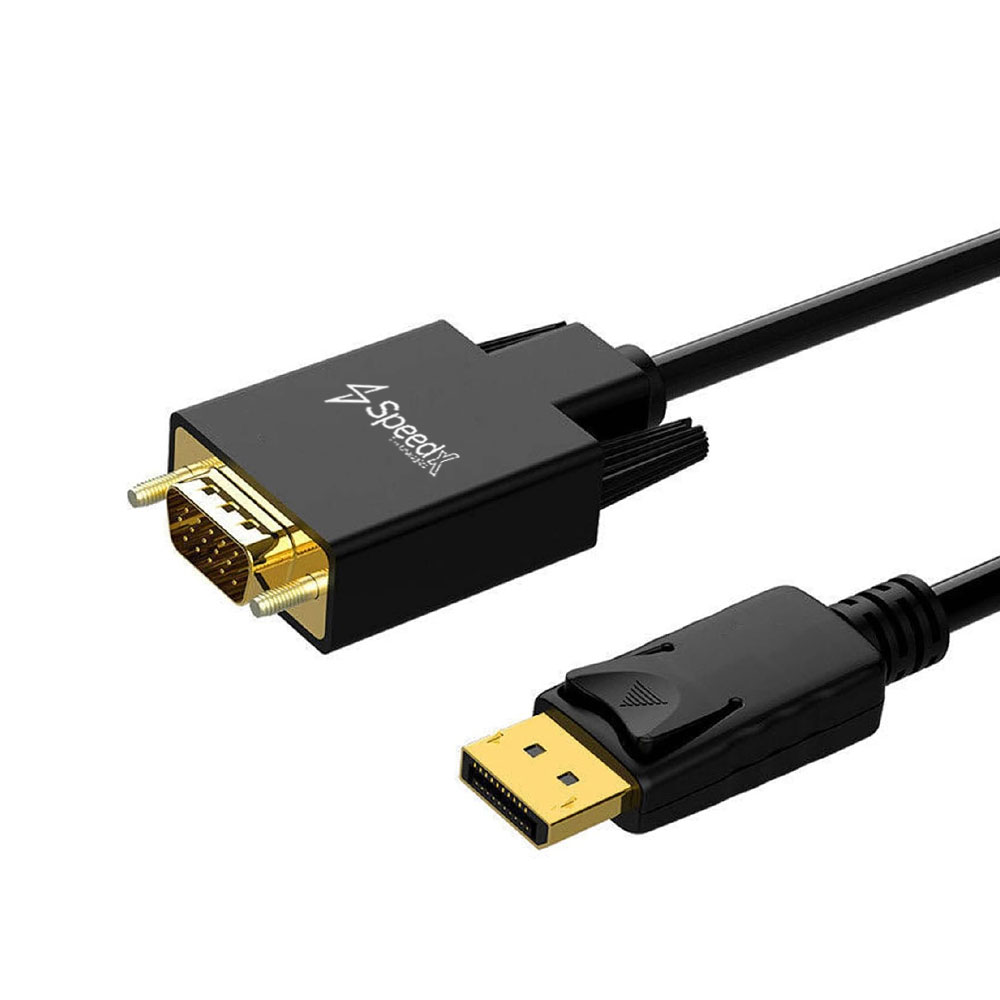
D PORT TO VGA CABLE 1.8M
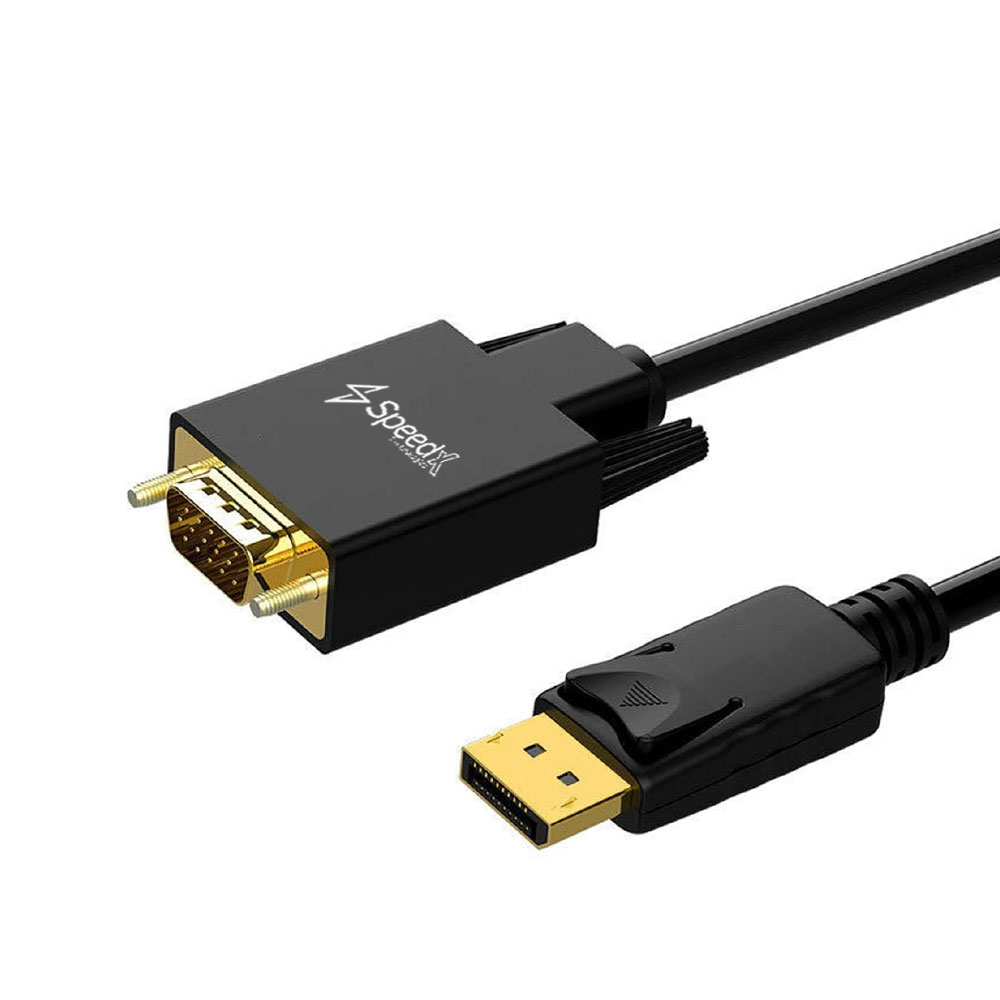
D PORT TO VGA CABLE 1.8M
DisplayPort to VGA | Full HD Support | Plug & Play | 1.8 Meter Cable
📱 Product Overview
The DisplayPort to VGA Cable (1.8M) allows direct connection from a DisplayPort output device to a VGA display such as a monitor, projector, or HDTV. It converts the DisplayPort digital signal to VGA analog signal, making it ideal for offices, classrooms, and legacy display setups.
This cable supports Full HD resolutions, extended or mirrored display modes, and requires no drivers or external adapters, ensuring a simple and reliable connection.
🔹 Key Features
🔹 DisplayPort to VGA Conversion — Digital DP to analog VGA signal
🖥 Full HD Resolution Support — Up to 1920 × 1200 / 1080P
🔌 Male to Male Design — No additional adapter required
🔄 Mirror & Extended Display Modes — Flexible multi-screen usage
⚡ Plug & Play — No driver or software installation needed
🔐 Hot Plug & Link Detection — Stable and secure connectivity
🧩 Wide Compatibility — Works with monitors, projectors & HDTVs
🧠 Specifications
📊 General
| Feature | Details |
|---|---|
| Product Type | DisplayPort to VGA Cable |
| Cable Length | 1.8 Meter |
| Signal Direction | DisplayPort → VGA |
| DisplayPort Version | V1.1 |
| Connector Type | Male to Male |
🔌 Connectivity
| Feature | Details |
|---|---|
| Connector A | DisplayPort Male (20-Pin) |
| Connector B | VGA Male (15-Pin) |
| Conversion Type | DP Digital → VGA Analog |
🎥 Video Performance
| Feature | Details |
|---|---|
| Maximum Resolution | Up to QXGA (2048 × 1536) |
| Supported Resolutions | 1920×1200, 1920×1080, 1440×900, 1280×720 |
| Color Depth | 8-bit / 10-bit Deep Color |
| Video Bandwidth | Up to 10.8 Gbps |
⚙️ Technical Support
| Feature | Details |
|---|---|
| Hot Plug Detection | Supported |
| Link Status Detection | Supported |
| Auxiliary Channel | 1 Mbps Bidirectional |
| EMI Reduction | Embedded Clock Architecture |
| Cable Drive Support | Up to 15 Meter Transmission |
| Lane Configuration | One-lane, One-direction, Four-line |
🛠 How to Use
- 1️⃣ Connect the DisplayPort male end to your laptop or desktop
- 2️⃣ Connect the VGA male end to your monitor, projector, or HDTV
- 3️⃣ Power on both devices
- 4️⃣ Choose Mirror or Extend Display mode from system settings
- 5️⃣ Enjoy seamless video output — no drivers required
📦 What’s in the Box
✔ 1 × DisplayPort to VGA Cable (1.8M)
🛒 Why to Buy This
✅ Perfect for Legacy VGA Displays
🖥 Supports Full HD & QXGA Resolutions
🔌 Single-Cable Solution — No Adapter Needed
⚡ True Plug & Play Convenience
💼 Ideal for Office, Classroom & Presentations