Single Product
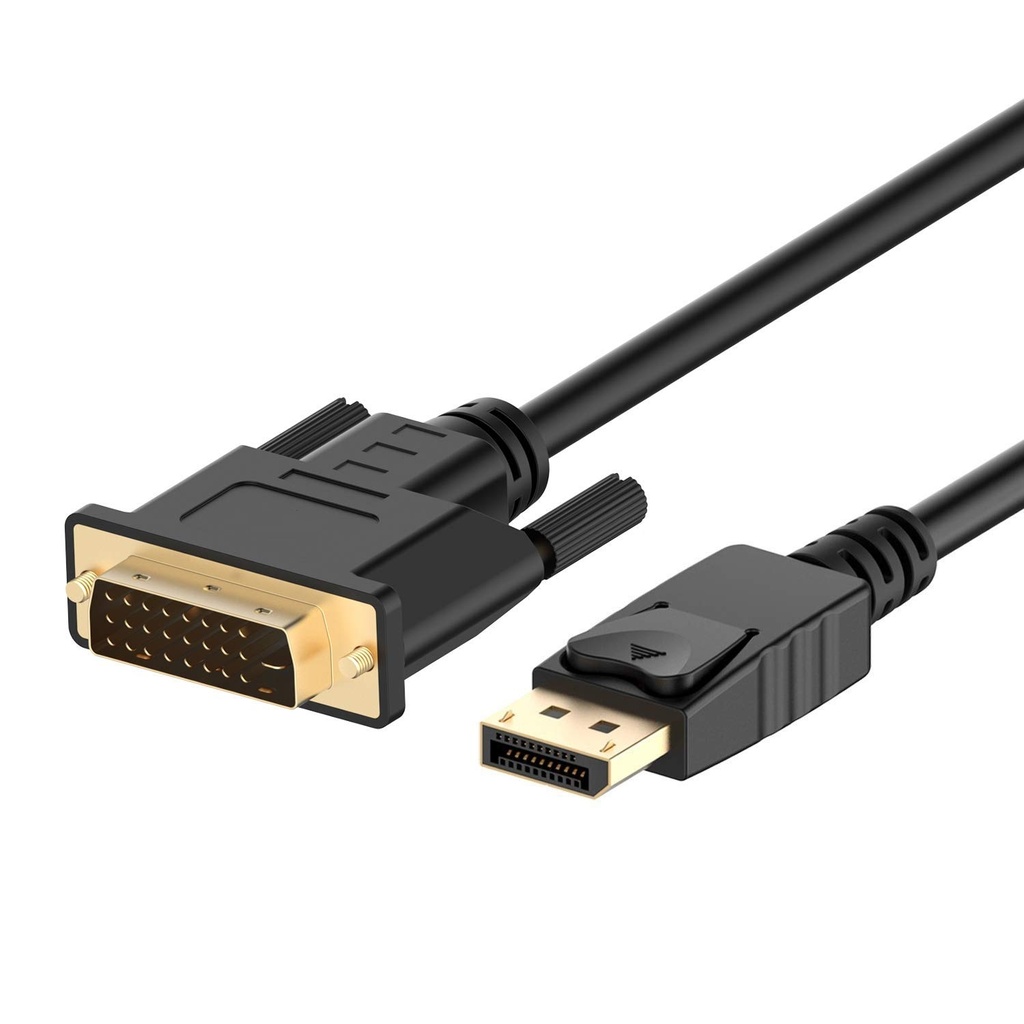
D PORT TO DVI MALE CABLE 1.8M
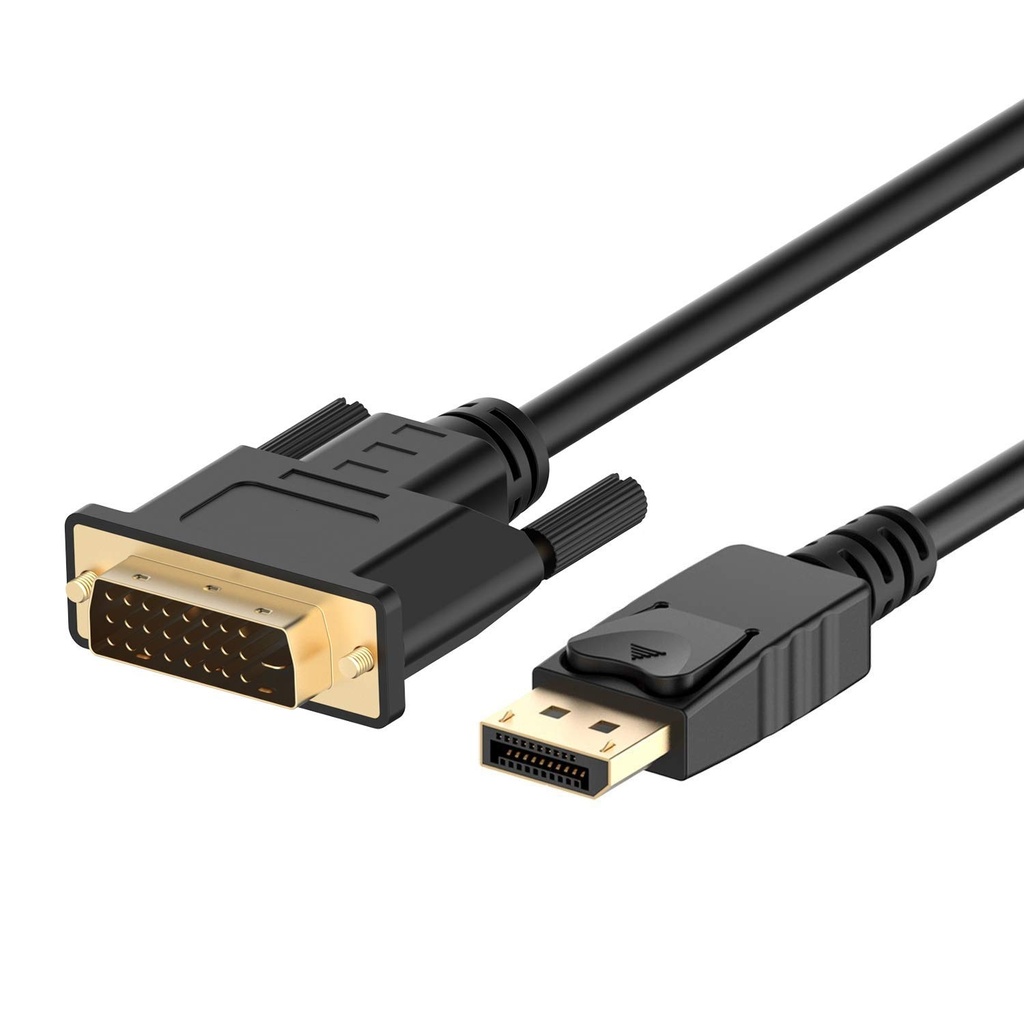
D PORT TO DVI MALE CABLE 1.8M
DisplayPort to DVI | Full HD 1080p | Secure Latch | 1.8 Meter Cable
📱 Product Overview
The DisplayPort to DVI Male Cable (1.8M) is designed to connect laptops or desktops equipped with a DisplayPort output to DVI-enabled monitors or projectors. Ideal for office work, extended desktops, gaming, or presentations at school or work.
This cable supports mirror or extended display modes and delivers stable high-definition video output. Please note that this cable is not bi-directional and does not support audio transmission, as DVI carries video only.
🔹 Key Features
🔹 DisplayPort to DVI Video Cable — Direct connection without additional adapters
⭐ Full HD Resolution Support — Up to 1920 × 1080 @ 60Hz
🔐 Secure DisplayPort Latch — Ensures a stable and firm connection
🧩 Gold-Plated Connectors — Improved signal transmission and corrosion resistance
🛠 Durable Construction — Molded strain relief and non-slip surface
🖥 Multi-Monitor Support — Compatible with AMD Eyefinity (one cable per monitor)
🧠 Specifications
📊 General
| Feature | Details |
|---|---|
| Product Type | DisplayPort to DVI Male Cable |
| Cable Length | 1.8 Meter |
| Signal Direction | DisplayPort → DVI (One-Way) |
| Bi-Directional | ❌ No |
🎥 Video Output
| Feature | Details |
|---|---|
| Maximum Resolution | 1920 × 1080 @ 60Hz |
| HDCP Support | Yes |
| Audio Support | ❌ No (DVI Video Only) |
🔌 Connectivity
| Feature | Details |
|---|---|
| Input Connector | DisplayPort (Male) |
| Output Connector | DVI (Male) |
| Connector Type | Gold-Plated |
🧩 Build & Design
| Feature | Details |
|---|---|
| Latch Mechanism | DisplayPort Secure Latch |
| Strain Relief | Molded |
| Surface | Non-Slip Grip |
| Thumb Screws | Adjustable |
🛠 How to Use
- 1️⃣ Plug the DisplayPort male end into your computer or laptop’s DisplayPort output
- 2️⃣ Connect the DVI male end to your monitor or projector
- 3️⃣ Tighten the thumb screws on the DVI side for a secure fit
- 4️⃣ Select Duplicate or Extend Display from your system display settings
- 5️⃣ To unplug, press the latch button on the DisplayPort connector before removal
⚠️ Note: This cable transmits video only. Audio is not supported over DVI.
📦 What’s in the Box
✔ 1 × DisplayPort to DVI Male Cable (1.8M)
🛒 Why to Buy This
✅ Perfect for Offices & Presentations
⭐ Stable Full HD Video Output
🔐 Secure Locking Connector
🧩 Durable, Long-Lasting Design
🖥 Ideal for Multi-Monitor Setups